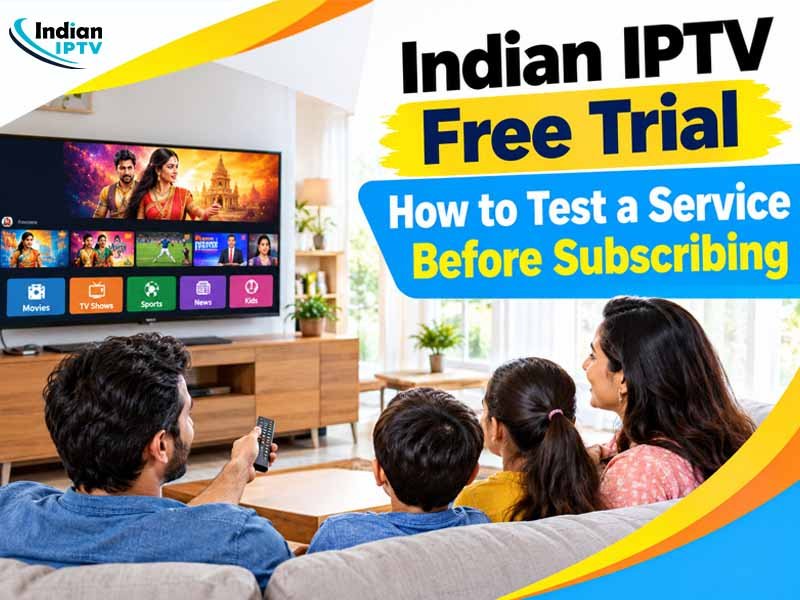
Joining an IPTV service blindly does not usually go well. Quality of the picture, reliability of the channels and compatibility with devices vary from one company to another. None of the sales pages have anything to show. However, an IPTV Free Trial solves the problem by giving you access to the service before spending even one cent.
On this blog, we will discuss the trial process, things worth paying attention to during it and how to decide.
What Is an IPTV Free Trial?
IPTV Free Trial is a brief trial period provided by the service provider, which usually lasts from 24 to 72 hours. During this time, you get active login credentials and try out the service for free. Providers usually provide this opportunity as they believe in their product and are sure that it will sell itself. The advantages of such a trial for you are obvious – you find out if the platform is suitable for you.
Why Testing Before Subscribing Matters
Testing is cheaper and faster in the first place. Often, people learn too late that they have made mistakes because of which their router is not capable of handling live streaming services or their TV set does not support the chosen application. The trial lets you learn about such things earlier and also lets all your family test the product.
How to Test an IPTV Service Step by Step
Don’t just randomly browse. Having a pre-planned series helps you compare against other suppliers.
- Try in the evenings: The servers are most loaded at these times, allowing you to find the weaker points.
- Check the channels: Observe which languages and types of programs are broadcast in channels that you watch with your family. Launch several channels and check how quickly they open and which channels do not work.
- Compare quality of the images: Compare the SD and HD quality of the images. Focus on the blurred image, freezing and synchronization of the sound.
- Check the On-demand library: Look for a specific title and watch it, but stop and fast-forward.
- Try different devices: Try checking the channel on your phone, tablet and TV set with the same log-in credentials.
- Contact customer support: Ask one question and see how long it takes to get the right answer.
Testing an IPTV Box Before You Buy
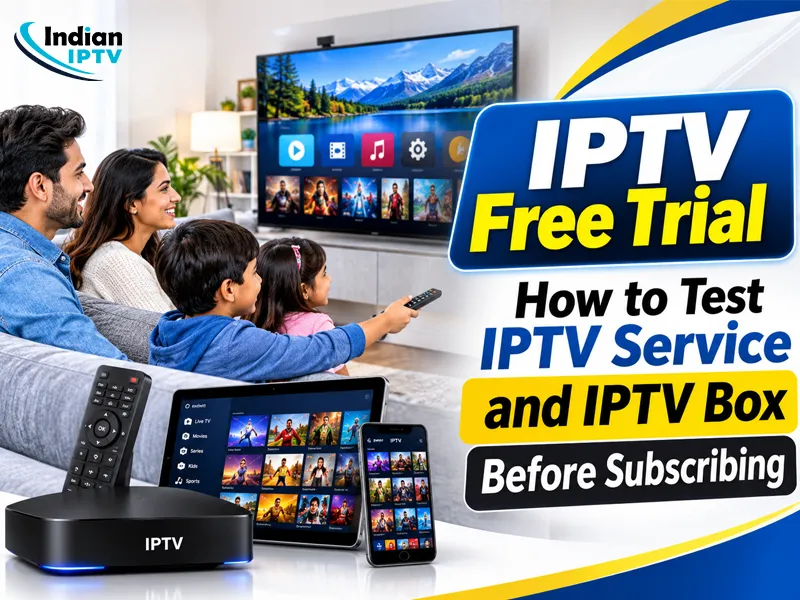
Some consumers just prefer using a set top box rather than an application. A Free Trial IPTV Box will enable you to test out the hardware without breaking the bank.
What to Examine on the Device
- Startup time: This must come up to the home screen without a lengthy delay.
- Remote: The buttons must react immediately. The menus must be easily navigated.
- Ports and wireless: Look out for the availability of wired networking ports, wireless capability and video/auditory outlets.
- Noise and heat: Let it operate for some hours to determine whether it operates silently and cool.
- Software updates: Observe the ability of the software to update itself without any problems or changes in settings.
App or Box: Which Should You Test?
In case your TV set is a new one that is a smart set, then use the application. If you have an old one or your parents want something simple, then use the box method. It does not hurt to try out both.
Free Trial IPTV Canada: What Viewers Should Expect
There are certain issues that Canadian households may face. First, internet speeds differ by province and the service provider. Also, many families have one internet link among various individuals. In case you want entertainment in languages like Punjabi, Hindi, Tamil and others, ensure that your genres are available to you.
Time zones cannot be ignored. Programme guides must display time in Canada while any recorded or catch up content should play flawlessly. It would be reasonable to ask how the provider’s servers handle the evening peak hours.
Also Read – Indian IPTV Guide: How to Choose the Right IPTV Service for Your Home
IPTV Free Trial Features to Verify
| Feature | What to Check | Good Sign |
| Stream quality | Buffering and sharpness | Smooth playback at peak hours |
| Channel list | Language and category coverage | Every needed category loads |
| Device support | Phone, tablet, television, box | Same login works everywhere |
| Support response | Reply time and clarity | Helpful answer within hours |
| Billing terms | Cancellation and renewal rules | Clear written terms |
Mistakes to Avoid During a Trial
- Testing during lunch hours only: The silent time hides the problems occurring after dinner.
- Omitting the terminology: Learn what will happen after the trial and see whether there is any charge.
- Judging the service provider prematurely: Weak Internet connection at home may be mistaken for poor service.
- Sharing credentials: A trial account is for a single user only.
- Giving card details: A provider that demands card details at the beginning of the trial raises red flags.
How to Choose After the Trial Ends
Once you’re done with the trial, place your notes by what counts at home. Reliable streaming, simple menu and genuine support matter more than a lengthy list of channels. Start with a short-term IPTV subscription such as for one month before subscribing for a longer period. A confident provider of services will not object to this.
Final Thoughts
IPTV Free Trial is the real deal because no sales pages will ever be able to offer the real thing which is the experience. Test it out during peak hours on the network. Use different devices and check the box if you are going to use it. Take short notes, make a comparison based on honesty and subscribe only if everything matches your requirements.